
CHOOSE YOUR MOBILE PATH
One App Overview, Two Platform-Specific Guides
Use this overview to compare mobile dating with the website. Choose a device guide when you are ready for the direct platform download and settings that apply to that phone.
A Mobile Starting Point for HIV-Positive Dating
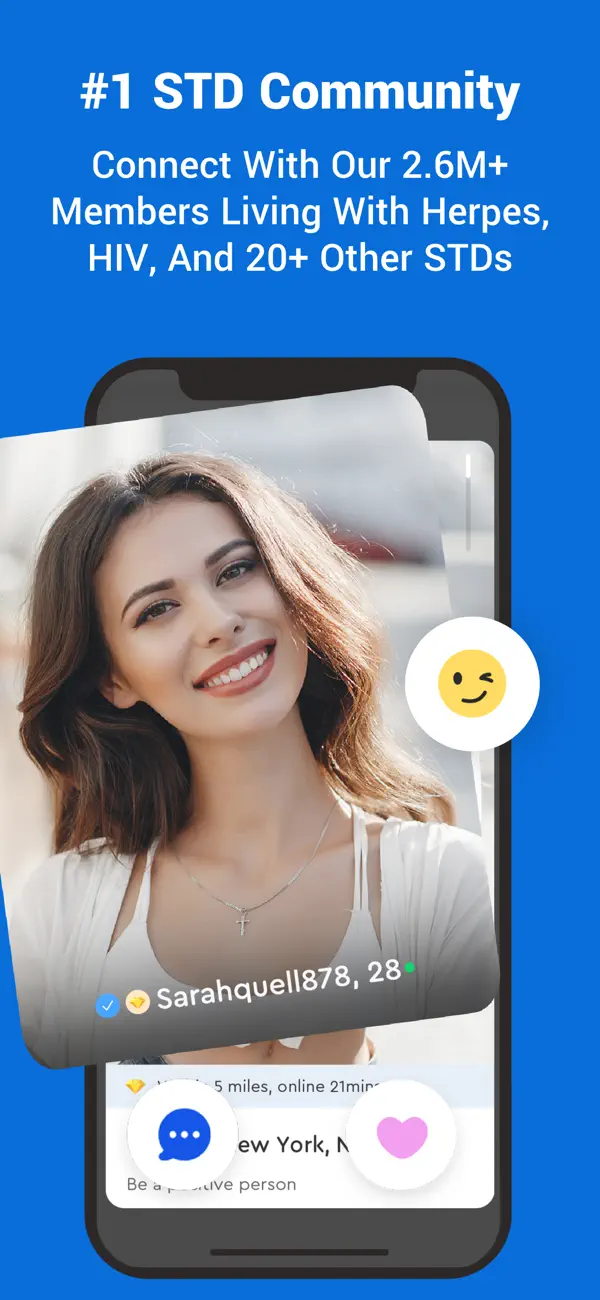
An HIV dating app can make it easier to find a space where health-related conversations are familiar, while still meeting people through interests, attraction, and relationship goals. HIVDating.us recommends exploring the PositiveSingles app for this purpose. It serves a broader STI community that includes HIV-positive singles; it is not a separate HIVDating.us app or an exclusively HIV membership pool.
The app is available through the supplied iOS and Android download routes. Both let you explore the same named service on the platform you use. Choose the device that fits your routine rather than assuming one operating system offers better people or a different relationship outcome. Local availability and compatible matches depend on the actual community you encounter.
Start with a clear intention: meeting a partner, getting to know people gradually, or making room for a more serious connection. An app gives you a way to participate; it does not decide that intention for you. The strongest first step is an introduction that sounds like you and a willingness to notice how another person responds.
Why a Niche Community Can Feel Different
On a broadly focused dating platform, explaining HIV may feel like an extra barrier before someone sees the rest of you. A niche community can make the subject less unexpected. That can create room for ordinary conversation sooner, although people will still have different knowledge, experiences, and comfort levels. Understanding the category does not guarantee compatibility.
PositiveSingles publicly identifies HIV among the conditions its community serves and describes dating, friendship, and support as part of its purpose. Those are useful reasons to consider the service. Do not infer that every person has the same status or that community membership is medical verification. Read profiles and ask respectful questions when they become relevant.
If you are returning after diagnosis, the starting-at-your-own-pace guide can help you choose a first action that feels manageable. You can explore the interface and write a draft introduction before deciding how actively you want to use the app.
Turn a Profile into a Real Introduction
Use your profile to show the kind of person someone could spend time with. A recent photograph, a specific interest, and a relationship intention give another member more to respond to than a string of broad adjectives. Keep identifying details proportionate to the stage; an engaging biography does not require your workplace, home address, or medical documents.
The profile examples provide several ways to express companionship, commitment, or a gradual return to dating. Decide separately whether you want health information in a public field or a private conversation. Review the current app's visibility settings before assuming who can see what you enter.
Once the profile feels accurate, write to someone about a detail they chose to share. A thoughtful opening is a better beginning than a medical interview. See whether the conversation becomes reciprocal: both people asking, contributing, and showing interest. That rhythm matters more than collecting a large number of silent connections.
Choose iPhone, Android, or the Website
The best format is the one you can use comfortably and privately. An app can make short conversations convenient during the day. A website may feel easier for writing a longer profile or reviewing information on a larger screen. Neither format requires you to stay constantly available, and a delayed reply is not automatically a sign of disinterest.
| Option | A Useful Fit | Before You Begin |
|---|---|---|
| iPhone or iPad | You prefer the Apple device you already use for everyday communication. | Check the current App Store compatibility and subscription information. |
| Android | You want access on your Android phone and a routine that fits its settings. | Check the Google Play listing and the permissions requested on your device. |
| Website | You prefer a keyboard, larger screen, or occasional browser use. | Review the service's current registration and membership information. |
The iPhone guide focuses on a deliberate profile and conversation routine. The Android guide looks at discovery, follow-through, and practical use across devices. Both pages provide a direct platform download button.
Understand Free Download and Paid Access
A free download does not mean every communication or membership feature is free. The Apple listing identifies in-app purchases, and the Google Play listing provides the current Android purchase information. Review the price, billing period, renewal terms, and included features at the point of purchase. Storefront, device, promotion, and membership details can change.
Do not buy a plan solely because you assume a particular feature is included. First identify what you intend to do: browse, start conversations, respond, or use a privacy option. Then compare that need with the current offer shown to you. This site does not process memberships or determine what appears in another service's checkout.
Keep a record of where you purchased if you subscribe. Account deletion, uninstalling an app, and canceling a recurring subscription are different actions. Use the purchase provider's current management instructions for a billing change rather than assuming that removing the icon ends a payment agreement.
Keep Mobile Convenience on Your Terms
An app should fit into your day without turning every notification into an obligation. Choose a time to read and reply when you can give a conversation attention. If lock-screen previews could reveal information you prefer to keep private, review the device settings. The broader privacy guide explains the information that can accumulate across accounts and messages.
PositiveSingles describes private photo albums, profile-visibility controls, blocking, and reporting. These can support a gradual introduction: show the details you are comfortable making available, then decide whom to let closer. Some options depend on membership or device. The official privacy guide explains the current tools and their limits; another member can still retain information you share.
When a connection becomes mutual, propose a manageable next step: a call or a public first meeting. The aim is a relationship with a person, not an endless stream of notifications. Download the platform that fits your device, introduce yourself honestly, and let the next conversation give you information about whether you want to continue.